

I have just released a partial list of the release notes for 2.6.0 Beta 1 that will be released in the coming days. You can find also a compatibility guide and a what's new guide, so you can see what are all the cool new features. One of the new things is that I am now delving into Eclipse and the first official ColdBox Eclipse Plugin is now online. The eclipse update site can now be found here: http://www.coldboxframework.com/distribution/eclipse/ Enjoy the coming eclipse plugins... UPDATE: The update site shown above is meant to be used within eclipse. For further instructions, see http://www.coldboxframework.com/index.cfm/download/extras
Blog
Recent Entries
BoxLang 1.18.0 Released : Every Cloud, Every Node, Every Agent
Azure joins the serverless family. Scheduled tasks become cluster-safe. And the whole platform gets documentation and skills built for developers and AI agents working side by side.
If you run a technology organization, you are being asked to do three things at once: ship faster, keep the estate you already have running, and make AI part of how your teams work. Most stacks make you choose. BoxLang 1.18 is another step toward not having to.
Luis Majano


Luis Majano
October
02,
2026
Victor Campos


Victor Campos
October
02,
2026
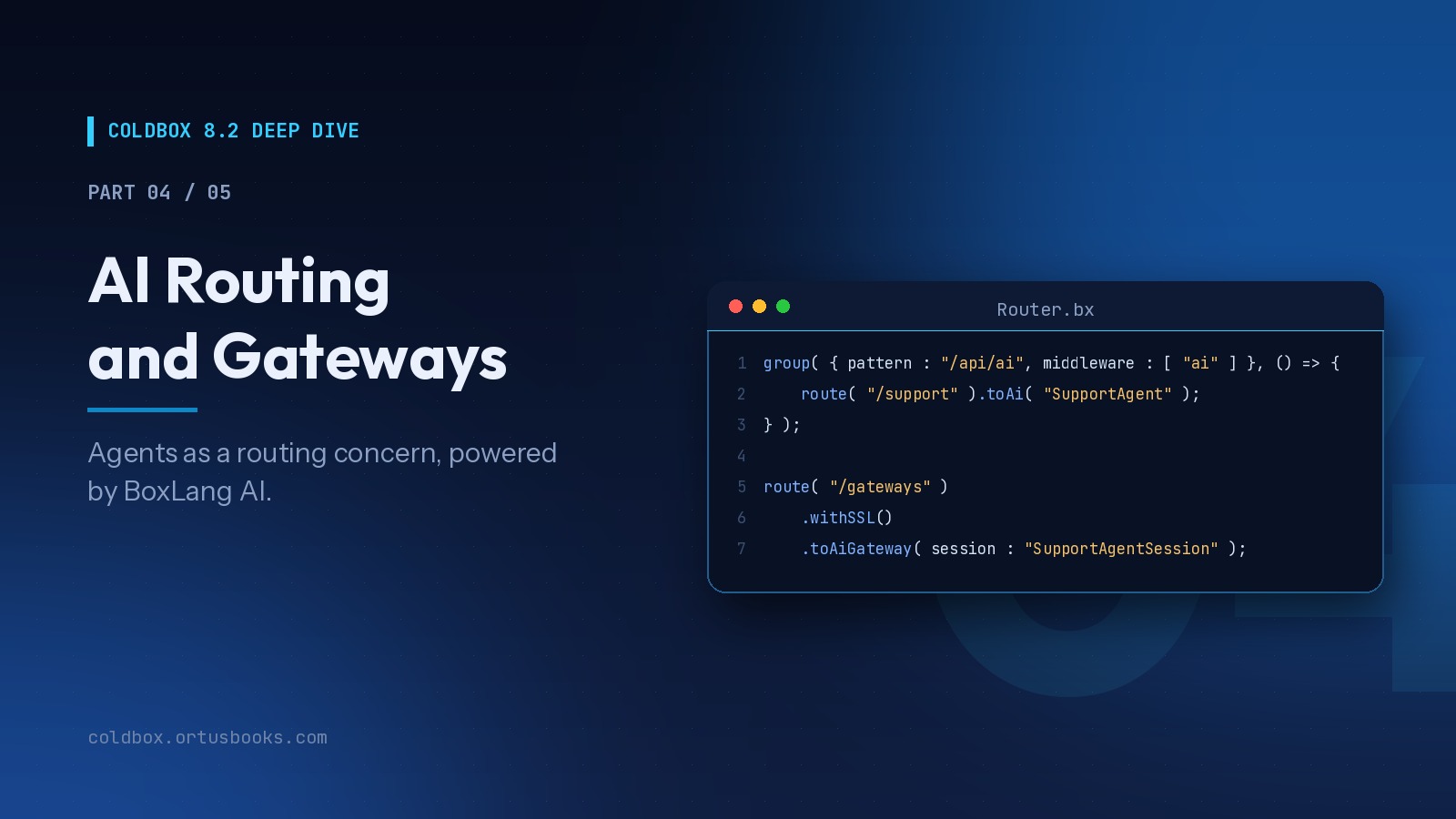
ColdBox 8.2 Deep Dive, Part 4 of 5 : AI Routing and Gateways
We've been building AI into the core of ColdBox since 8.0, because the applications teams are asked to build have changed. They talk to models, stream answers, expose tools to other AI systems, and increasingly host agents that act on behalf of users. None of that should require bespoke plumbing in every project.
Luis Majano
Luis Majano
October
02,
2026
Add Your Comment
(7)
Apr 15, 2008 06:06:31 UTC
by Brad
Luis.....do you ever sleep my friend? Great stuff. Am using 2.5.2 for a current project, but you keep making me want to use the next version. But those pesky timelines...
Apr 15, 2008 07:18:11 UTC
by Jeff Fleitz
Luis,
The eclipse update site link is broken.
Apr 15, 2008 09:54:55 UTC
by John H
You need to use the built-in eclipse updater to install the plugin.
Help -> Software Updates -> Find & Install -> New Features.
Then add the url as the location for the plugin.
To view the API open up the Help view and it should be the last one listed under 'All Topics'.
Luis, please correct me if I missed any steps.
Apr 15, 2008 14:28:09 UTC
by Jeff Fleitz
Oh, duh.
Don't know where my head was at. Sorry.
Apr 15, 2008 14:42:11 UTC
by Sami Hoda
Dude - what's next? A CF IDE?
Apr 15, 2008 15:45:19 UTC
by Luis Majano
@sami
Hmmm, a ColdBox IDE, maybe!!
Apr 15, 2008 17:21:56 UTC
by Mike Benner
Luis, you are my hero.